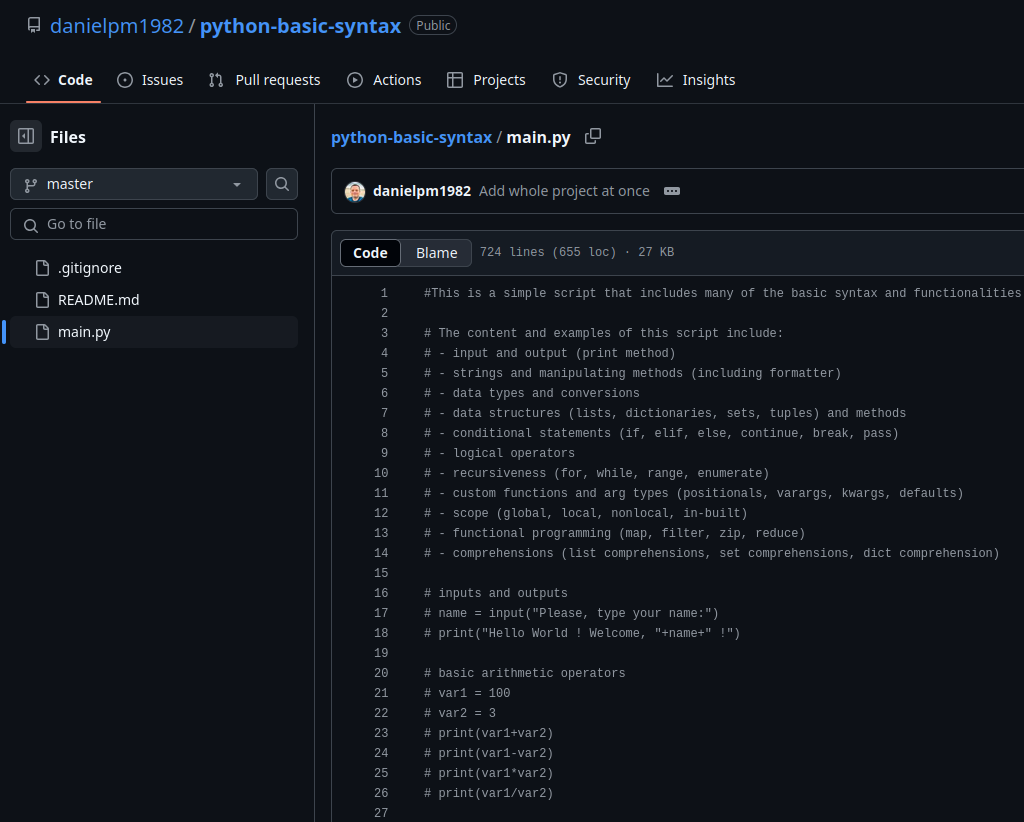
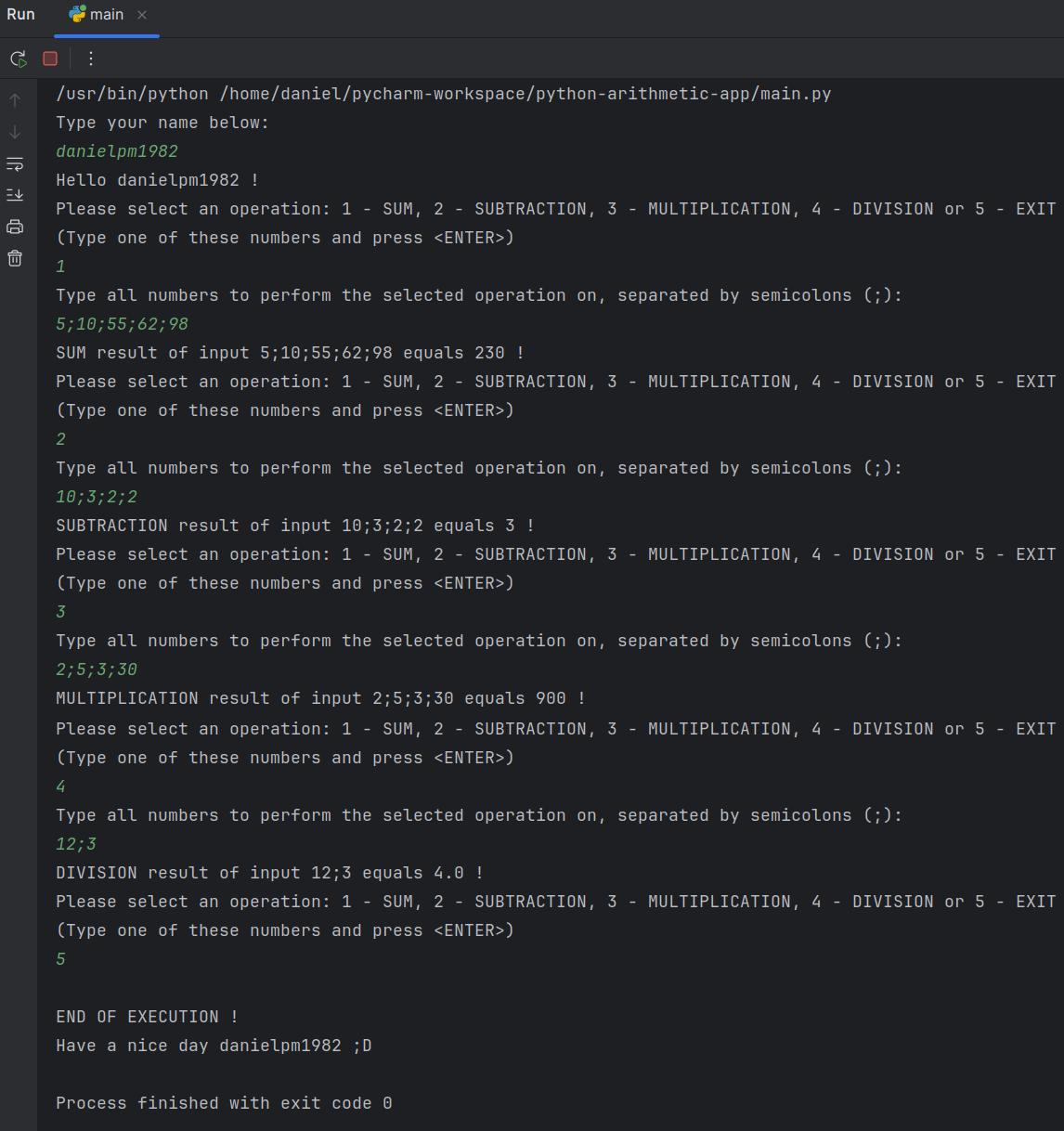
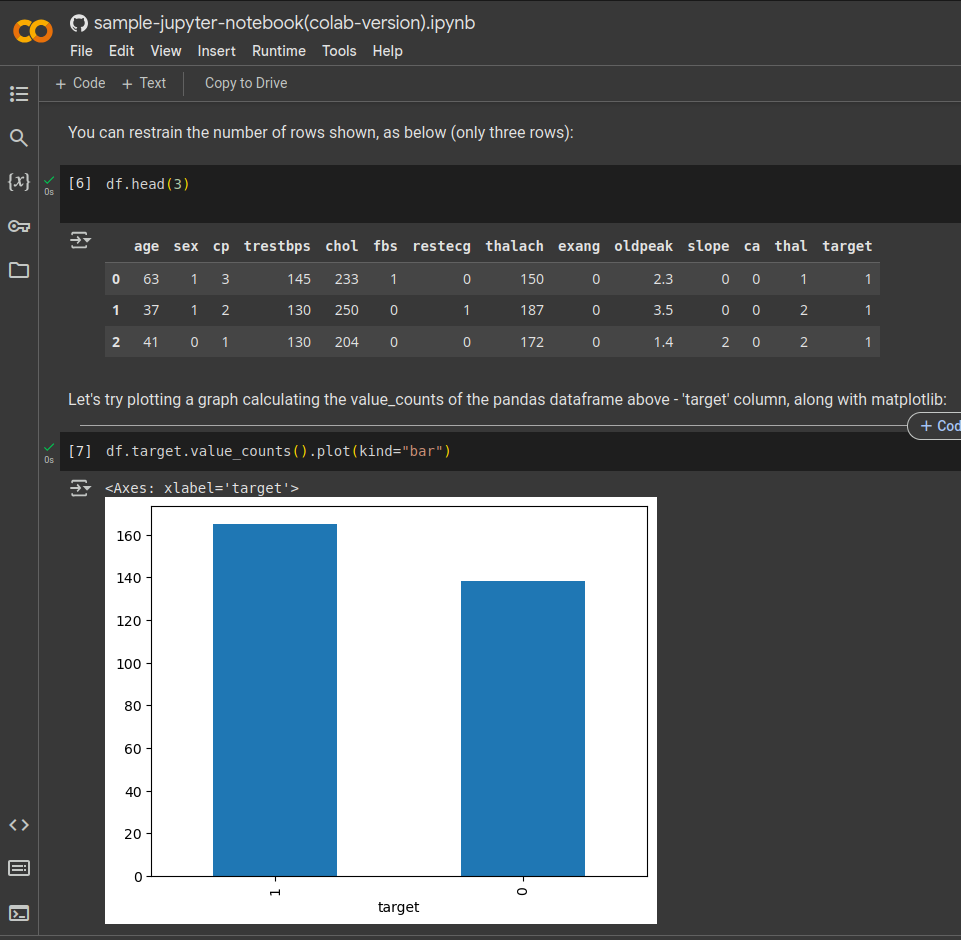
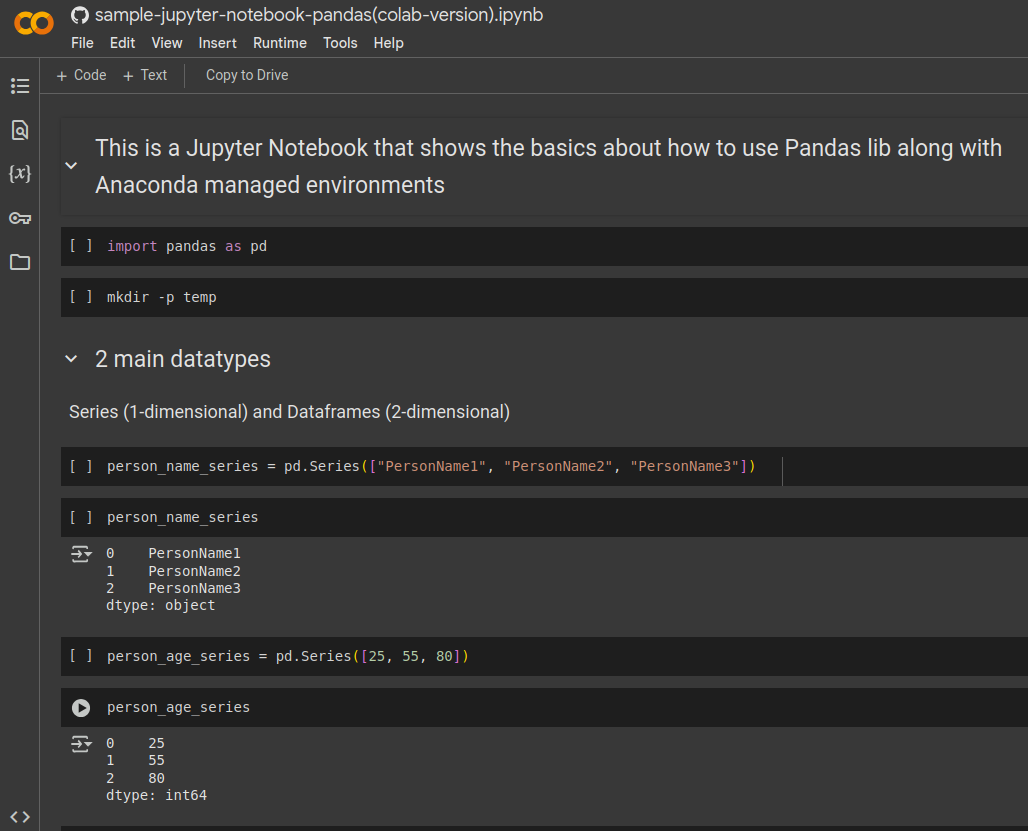
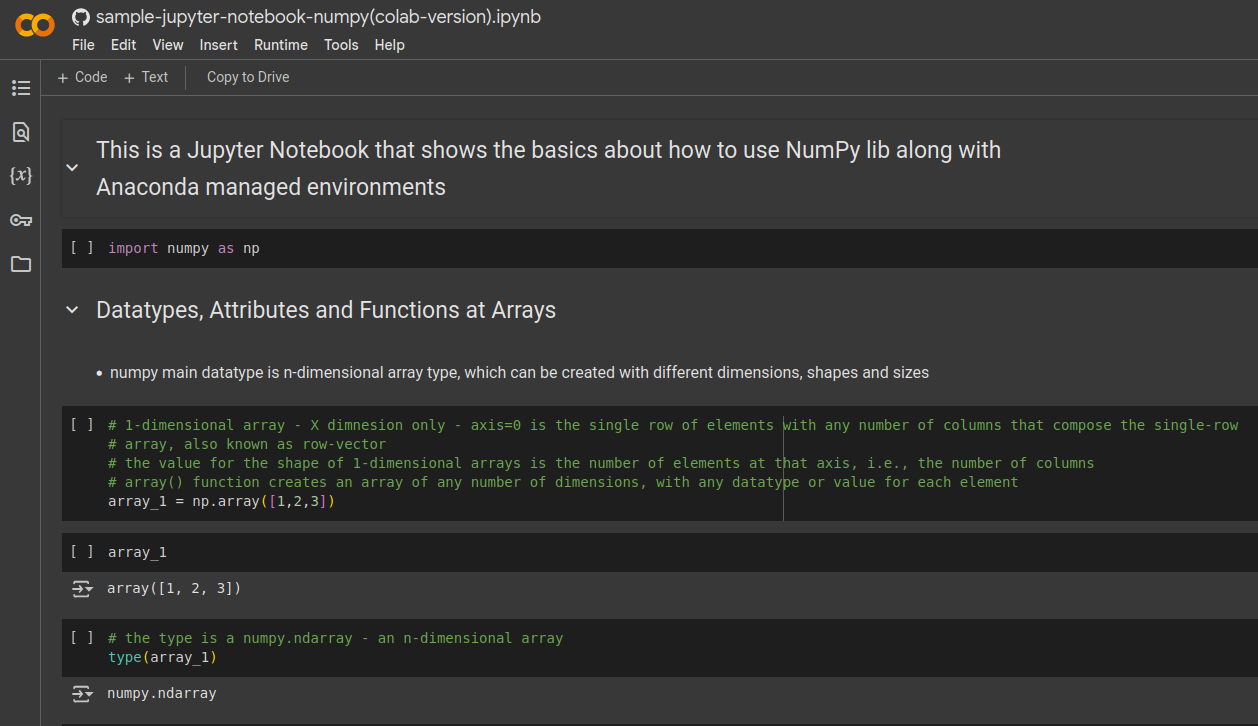
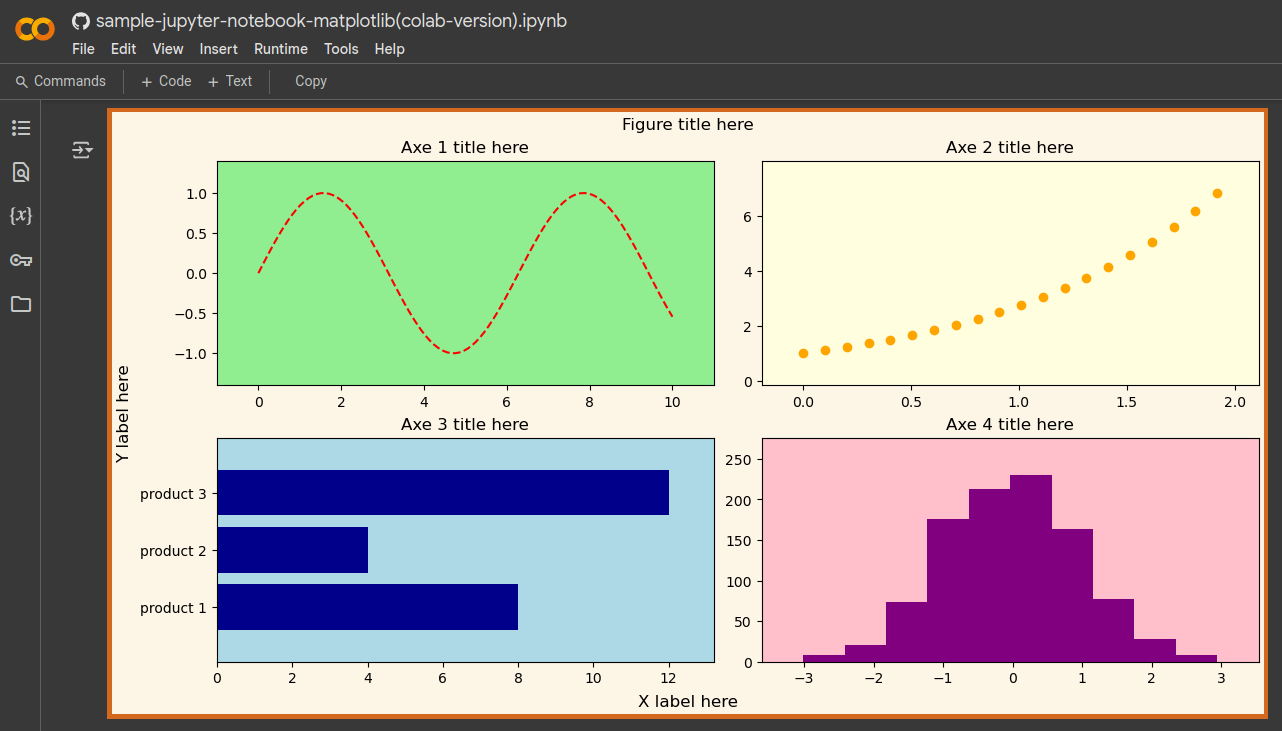
Hi, there ! This is a special section dedicated to teaching Python, Data Science and Artificial Intelligence (AI). For now, this section contains basically some videos and python projects from GitHub - see detailed description at each project's README.md file. You can clone the source code from any GitHub repositories below to your local machine and open it with your favorite Python IDE, in order to compile and run it. For some of the projects, you'll only need Python interpreter configured at (pointed out by) your local IDE, while, for others, you'll need other Python dependencies as Pandas, Numpy, Matplotlib and Scikit-learn libs. For this later case, the easiest way to automate the management of such dependencies is to create a virtual environment for the specific project you wanna run - by using Anaconda and Conda - the environment.yml blueprint for that will be available at each project's root path. If you don't have Anaconda or Conda installed, or, if you wanna learn how to install and use them, for later testing the projects below, look for the specific video at this section teaching about Anaconda and Conda tools. If you're not using Anaconda or virtual environments, you can simply try opening the projects at standalone IDEs as PyCharm CE or VSCode. If you're using virtual environments, though, you should probably use Jupyter Lab from inside the created environment, or the IDEs PyCharm, VSCode or Spyder that come in-built and already integrated to the Conda environments you create - instead of the standalone IDE versions, eventually installed at your Operating System. I, myself, basically use PyCharm and Jupyter Lab as my favorite IDEs, always creating virtual environments for each of my projects. But ultimately it's up to you to decide how to set up yours !
At this video, learn how to install on Linux one of the most known IDEs of the Industry: Visual Studio Code (VSCode). Although from Microsoft, it's actually free and supports lots of languages, including Python. This is a standalone installation that does not depend on virtual environments or platforms as Anaconda. Later, you can see below how to create and work with virtual environments using Conda. VSCode can also be run from inside Anaconda virtual environments, as well. But here I show how to work with VSCode independently. You just gotta have Python installed at your host Operating System (OS) - which you already have by default, if you're running Ubuntu - and install Python plugin at VSCode.
At this another video, a second, and maybe better, option of IDE, is PyCharm, from Jetbrains. I like Jetbrains IDEs a lot and they're one of my top-3 favorites - both for Python as for Java. This is a Community Edition (CE) version of PyCharm that has all you gotta need to work with Python. It's also a standalone installation, not dependent on Anaconda virtual environments. You just gotta have Python installed at your OS, and not even need to install the Python plugin, as it's already installed by default at PyCharm.
If you wanna work professionally with Data Science (DS) and Artificial Intelligence (AI), it's imperative that you learn how to manage virtual environments and package managing tools. Anaconda is a developer platform that does just that and has been one of the main contributors for DS and AI over these years. Not only it facilitates a lot your work, boosting your performance as a developer, it also helps you create and share your projects like no other, while also coming with hundreds of other tools, essential for such kind of projects - all for free ! After you have it installed and learn how to use it together with Conda (see below), you won't create more DS or AI projects without first creating a virtual environment for each.
Conda is the central software, or developer tool, amongst many others, that you receive together with Anaconda toolbox. It's Conda that actually will help you create and manage your virtual environments, as well as all your Python packages - including versions and compatibilities, when using Anaconda. At this video, you'll have a thorough explanation of Conda API and how to use each of its main commands when creating your DS and AI projects. You always should first create a custom virtual environment, for each project, as well as install all dependencies, and only then start coding with the installed tools and packages. Conda will make that a pretty cool and simple process, as soon as you learn how to use it.